Knowledge and checklists
Store the documents that tell Joymore how your brokerage works.
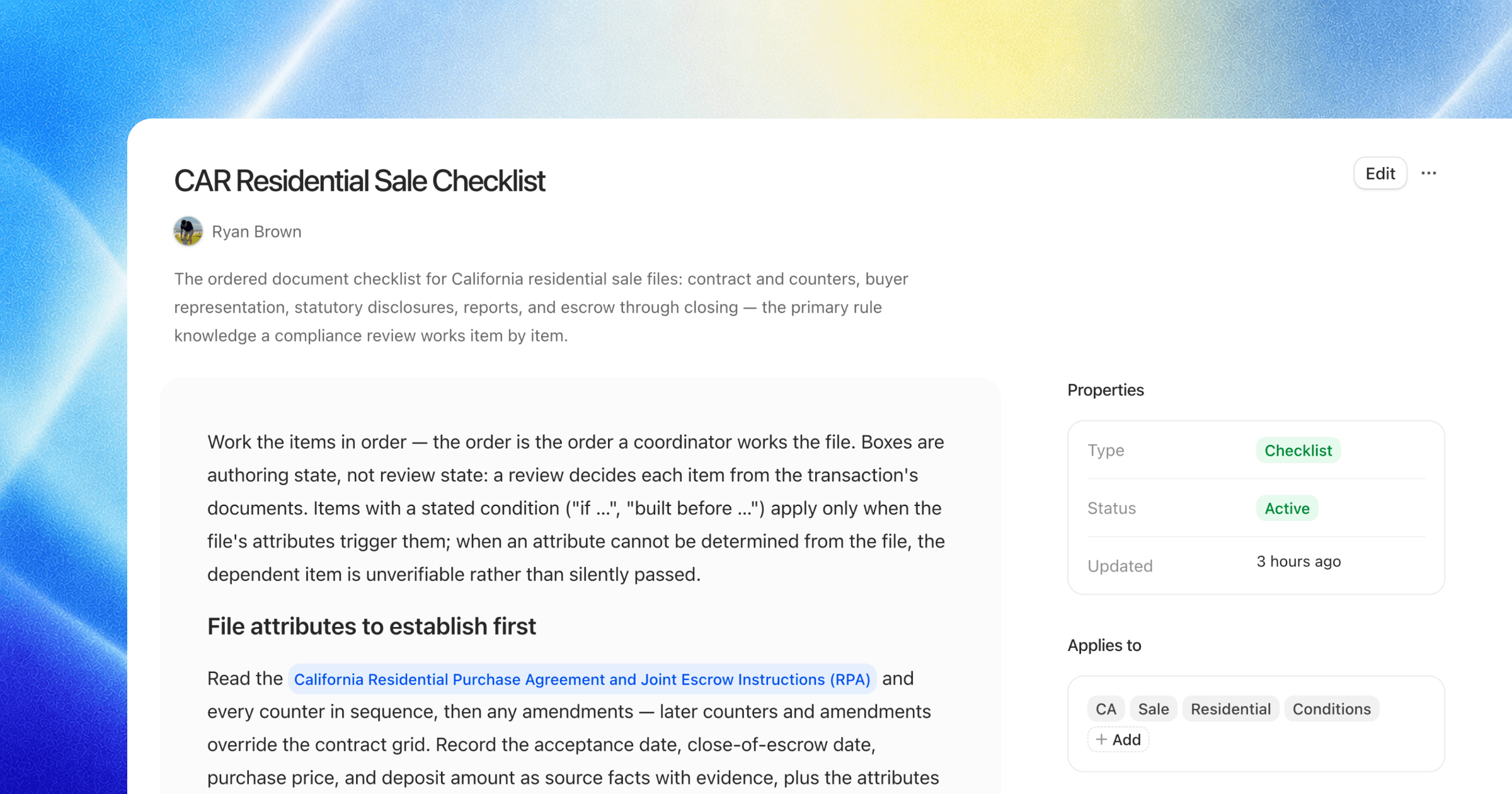
Open Settings > Knowledge.
What belongs in Knowledge
Knowledge contains brokerage checklists, rules, and guidance. Joymore uses these documents when it evaluates transactions and assists your team.
The Knowledge workspace can separate Checklists and rules from Guidance and provides search and grouping controls.
Create or edit a document
Choose Create to add a knowledge document. Give it a clear title and description, then write the rule or process in plain language.
For a checklist, explain which transactions the requirements apply to inside the document itself. The current interface does not provide a separate customer-facing Applies to field.
Versions and status
Each document has a role, status, update time, run history, and version history. Archive a document when Joymore should no longer treat it as active guidance.
How decisions affect knowledge
Dismiss for all transactions and Dismiss with logic... are knowledge-changing compliance decisions. Internal notes and transaction-only decisions do not automatically rewrite the broader rule.
Was this helpful?