Apps and plugins
Connect supported tools and add packaged workflows to your Joymore workspace.
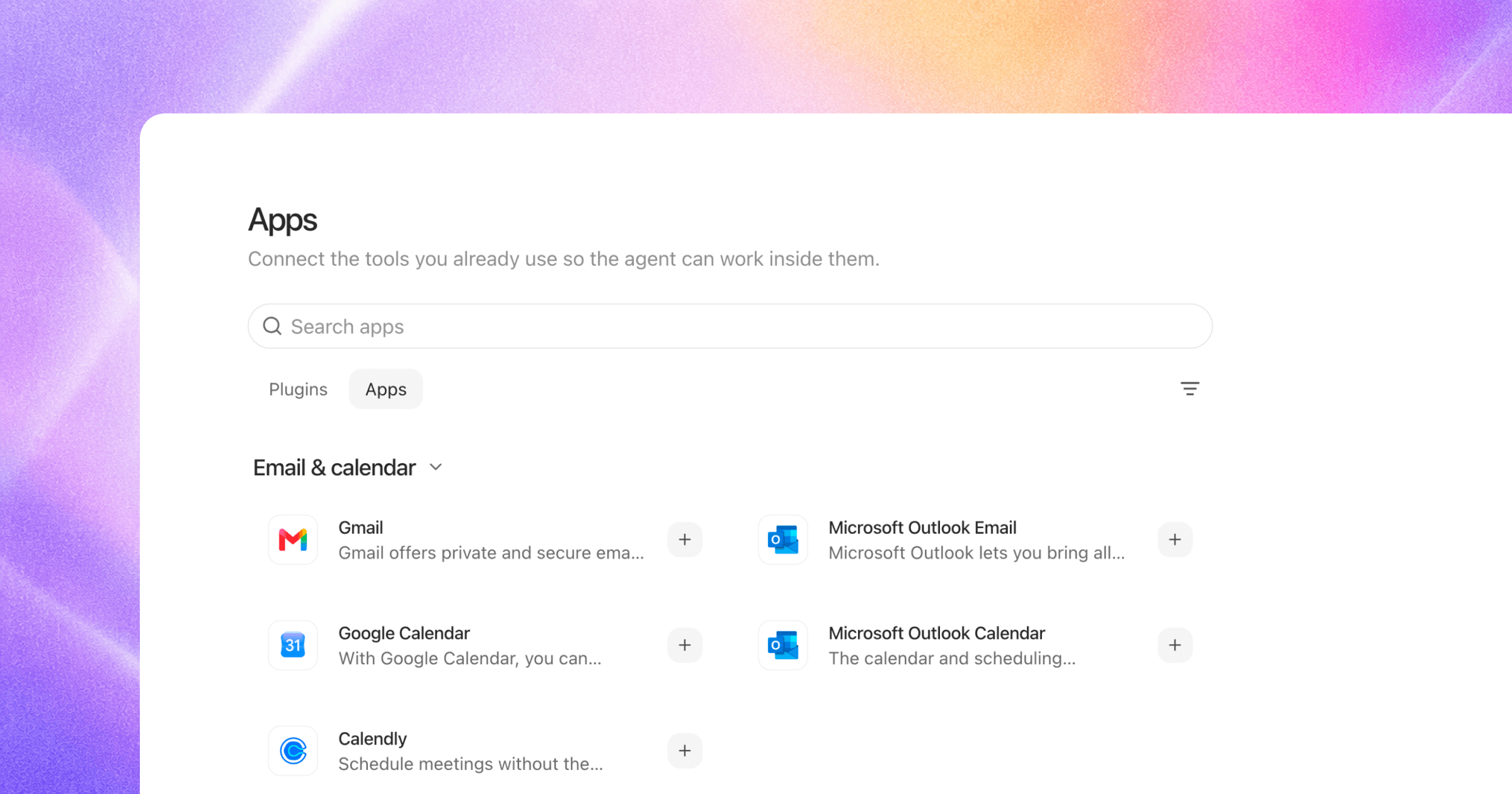
Open Settings > Apps. The page has two tabs: Apps and Plugins.
Apps
The Apps tab lists supported external tools by category. Select an app to review its connection requirements and available capabilities. A listed app does not imply that every action in that system is available to Joymore.
Use Settings > Connected Apps to review connections associated with your account or workspace.
Plugins
Select the Plugins tab inside Apps to see packaged capabilities. A plugin can combine connected apps, knowledge, checklists, form libraries, and automations. Plugins do not have a separate settings page.
Choose Install only after reviewing what the plugin adds. Available plugins and installation controls depend on your workspace and permissions.
Cloud storage
The current cloud import flow supports Google Drive, Dropbox, OneDrive, SharePoint, and Box. Cloud connections can also be available to chat and automations.
Was this helpful?