Work with Joymore in chat
Ask questions and request supported work in the context of your brokerage, transaction, or document.
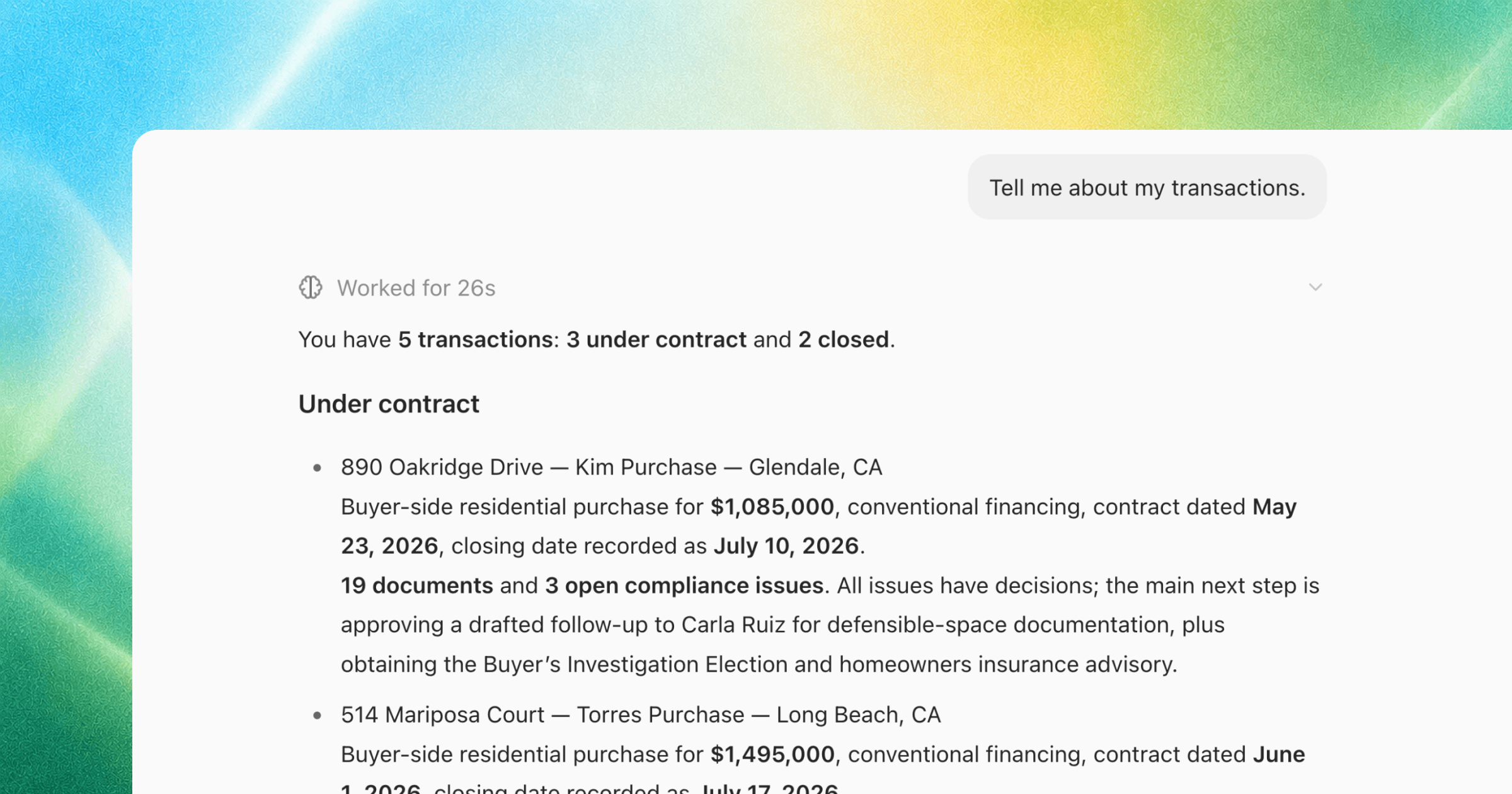
Chat is available throughout Joymore. The suggestions change with the part of the product you have open.
Start from your workspace
Use chat to ask questions such as which transactions need attention, summarize active transactions, or draft follow-ups for missing documents.
Start from a transaction
Open a transaction before asking about its status, outstanding requirements, dates, parties, or documents. The transaction appears as the active chat resource.
Work through compliance issues
From a transaction's Compliance tab, choose Walk me through the open issues. Use the previous and next controls to move between findings, inspect the file, add a note, dismiss, or confirm.
Attach context
Use Add attachment when the chat needs another file. Use Work in... to change the resource or workspace the chat should use.
Review consequential actions
Read the proposed result before sending communication, changing a compliance decision, installing a connection, or approving an external action. Joymore can only perform actions supported by the current workspace, permissions, and connected apps.
Was this helpful?