Joymore changelog
Cloud Sync, Smarter Document Intake, and Broker Approvals
Feature
Product Release
Bring in files from anywhere, and watch them land
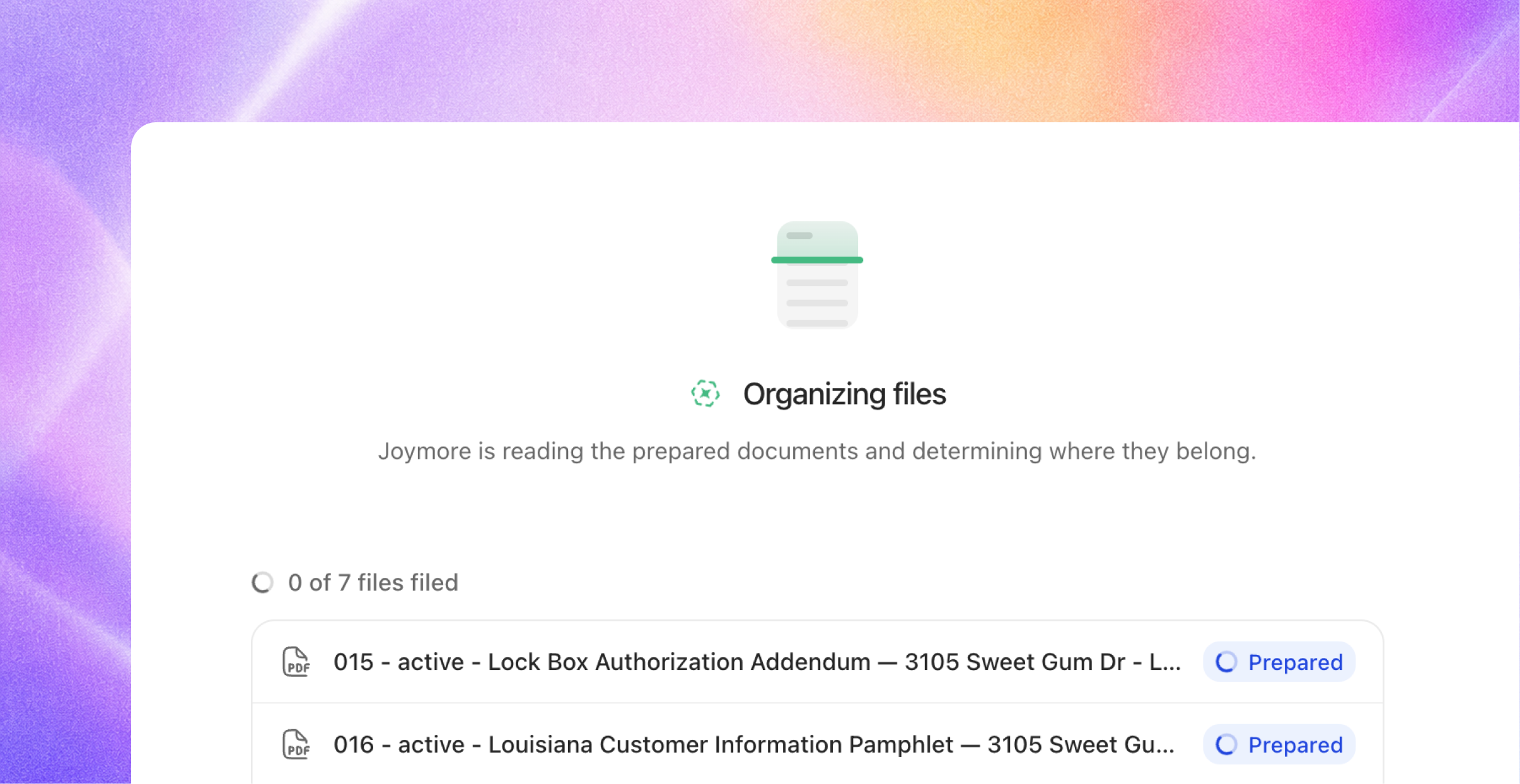
Joymore accepts files from several sources - email, chat, apps, automations, the API, your computer - but the progress wasn’t always visible, and now it is. Each intake has its own live page that shows every file as it is received, read, and filed, with a link to each transaction that received it.
Create from files. The Create menu on Transactions now offers three doors: Create with chat, Create from files, and Import from cloud.
Chat keeps pace. Uploading in chat shows the same live progress, and when filing finishes Joymore tells you exactly what landed where: "I filed 2 documents to 12 Oak Street." You can also ask things like "Where did my upload land?" and "Retry the failed intake" both work in chat.
Cloud storage sync
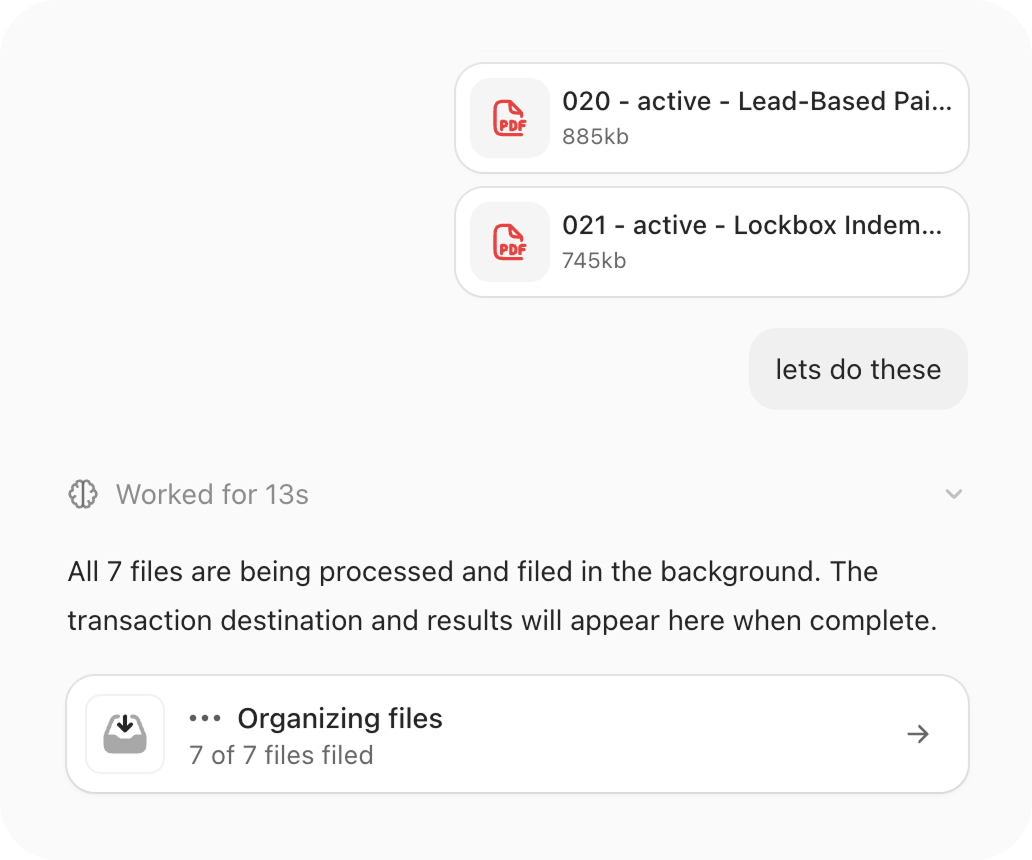
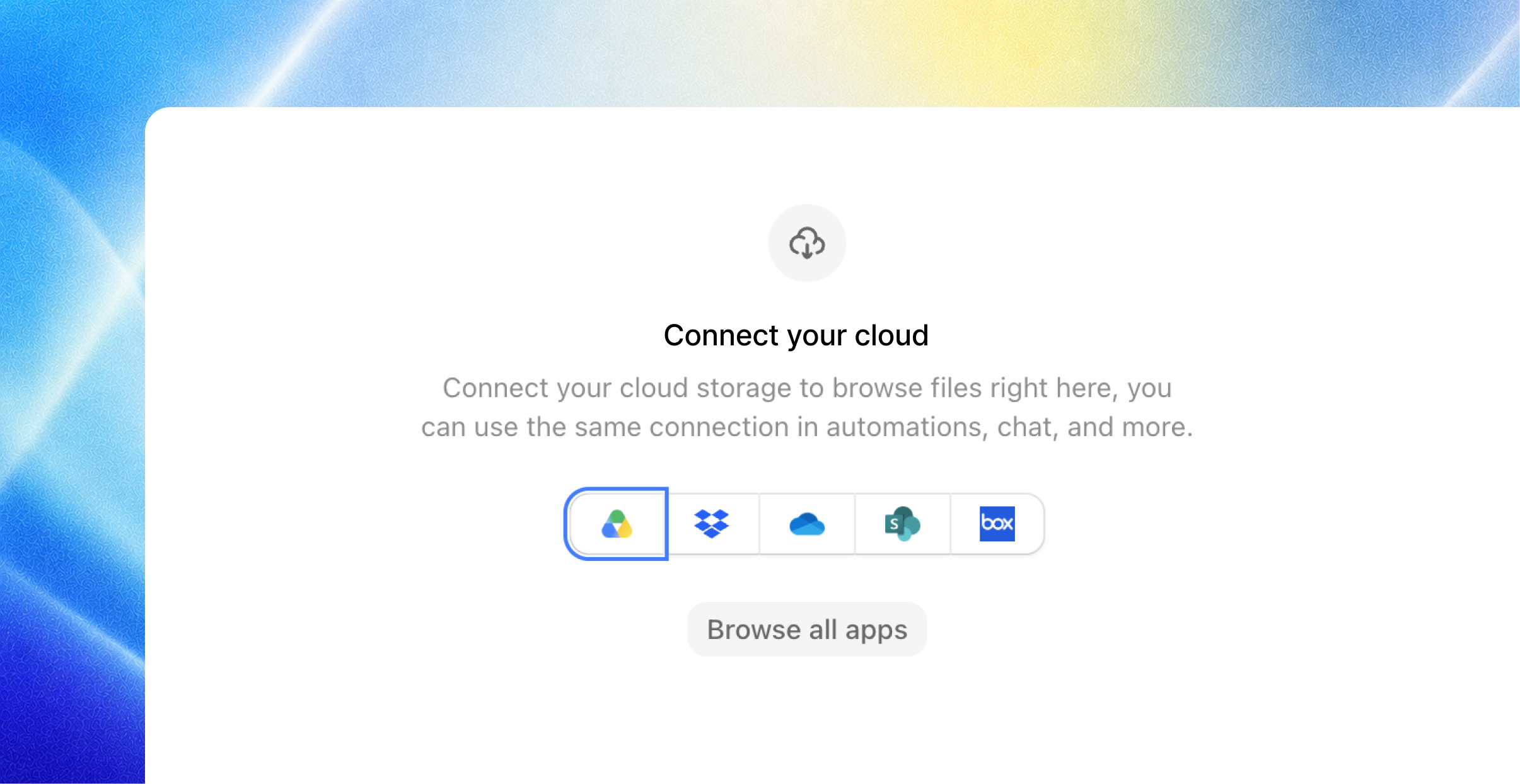
Connect Google Drive, Dropbox, OneDrive, SharePoint, or Box for the whole team or just yourself. Browse folders or search by filename, pick up to 100 files, and Joymore creates the transaction from them. The originals stay where they are.
Set up cloud sync automations that reference specific folders, dates, statuses, etc. to keep Joymore up to date with your files.
State compliant broker approvals
Official broker approvals, with tracked delegate access, are now a setting you can enable for your brokerage - and the rules come from your own knowledge.
Opt in. Settings, Brokerage has a new Enable broker approvals switch. It is off until a broker turns it on.
Your policy, your deadlines. Start from our state guidelines and add your own approval requirements in plain language. Each compliance review turns them into the requirements for that file: which documents need approval, what satisfies each one, and when it is due.
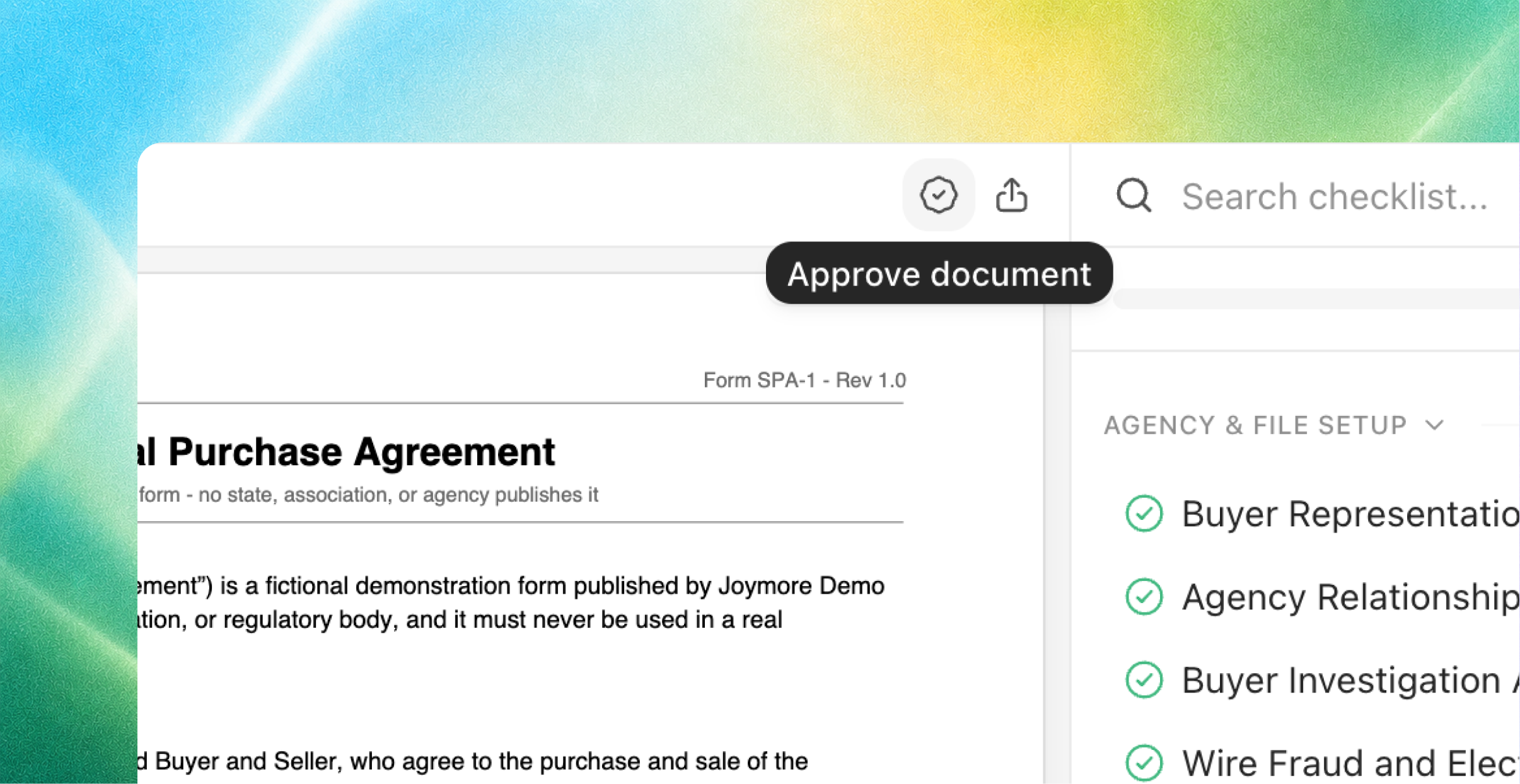
Approve the document itself. The designated broker, or a review delegate, approves a document right where it is staged. The approval is recorded under their name and date. Set the designated broker and delegates on the state license under Brokerage settings.
Approvals in the record. The Activity tab can filter to Approvals, so every approval is easy to find later.
And that’s not all…
Smarter knowledge
Say who a checklist is for, in the document. Write it in plain language ("Use for Arizona residential purchases; listing files use the listing checklist.") and Joymore applies the right checklist to each file.
Better checklist matching. Joymore reads the full text of your checklists against each transaction: state, side, property type, financing, dates, and facts from the documents themselves. If two checklists could both apply and the facts cannot settle it, Joymore asks instead of guessing.
Short descriptions. Every knowledge document gets a one-sentence description so your team can find what they need at a glance.
Forms have their own home. Forms now live on their own Forms page with search, filters, upload, and detail views.
Reviews track your edits. Edit a knowledge document and the next review on each file uses the new text.
More automation improvements
We are continuing to build out our automations feature.
Activate means active. Turning an automation on always works. If a connected app is missing, Joymore tells you, and the automation starts running on its own the moment the app is connected.
Only after. A scheduled automation can wait for something to have happened: "Every morning, only after new documents arrived."
Run once. One-time schedules run once and show you when they ran.
Pick your events. Choose the exact events that trigger an automation right in the schedule editor.
Connected apps you can see. App triggers show the app, the event, and their status, and say so when something needs attention. Connected accounts appear by name.
Runs you can steer. Ask Joymore to cancel a run or show its full timeline. When a run stops to ask you a question, it picks back up the moment you answer.
Create your way. The Create button offers Create with chat or Create manually.
Roles, access, and your team
Four roles. Broker, Compliance, Transaction coordinator, and Agent. Brokers manage the brokerage. Compliance reviews files. Transaction coordinators and agents work theirs. A member can hold more than one.
Assign files. Every transaction has an Assignee, set from the cover sheet or the list and filterable as "assigned to me". Agents and transaction coordinators see the files they are assigned to or named on; brokers and compliance see everything in their offices.
Team, rebuilt. People and Offices tabs, an office page with its own people and licenses, one office picker everywhere, and a bulk Manage offices action.
Licenses in one place. Real estate licenses, association memberships, and MLS memberships for the brokerage, offices, people, and outside contacts live together, and you can edit them from Brokerage settings, an office or member page, or a contact card.
Compliance review
Faster re-reviews. A new document re-checks only the items it affects. Settled results stand.
Fewer false alarms. A passing check never opens an issue, and signature and execution findings get a second look from Joymore before they reach you.
One status per file. Each transaction shows one compliance status: reviewing, re-check scheduled, or up to date.
A register that explains itself. Requirements that do not apply yet sit under Not expected, and every document badge explains itself on hover.
Joymore in chat
Archive and restore. Ask Joymore to archive one file or fifty to the Vault, and to restore any of them. Ask it to move a misfiled document to the right file, or to archive a document and bring it back later.
Longer memory. Joymore reads back through long results and earlier conversation on its own.
Straight answers. Joymore tells you a request was filed or an action was taken only once it actually happened.
Steadier. Long conversations and big uploads no longer stall, and if a model is unavailable Joymore switches and keeps going.
Picks up where you left off. A tab left open across an update reloads itself and resends what you were doing. Transaction pages open their own chat.
Drafts land in the editor. Writing with Joymore inside a document puts the words straight into the editor.
Set your picture. Ask Joymore to update your profile picture.
People and parties
Every party is a contact. Buyers, sellers, agents, lenders, title, escrow, attorneys, and coordinators on the cover sheet are picked from Contacts, with New contact right in the row.
One listing agent row. Seller Agent and Listing Agent are one field.
Duplicates clean themselves up. Joymore merges obvious duplicate contacts, fixes companies recorded as people, and leaves uncertain matches alone.
Reply in place. Reply, reply all, forward, and text reply open a draft with recipients and subject filled in.
Activity and live updates
A feed you can read. Every event is one sentence with the person up front and the details as chips. Filter to User activity, Approvals, or All events.
Live, everywhere. Team, offices, licenses, automations, runs, and chats update the moment something changes.
Lists scroll. Every list scrolls instead of paging, and tells you if it could not finish loading.
API 1.0
The Joymore API is now 1.0, with 108 operations mirrored by the MCP server. New: file uploads, document intakes, creating and updating automations, transaction parties, document summaries, and access checks.
A key you own acts as you. An organization key acts for the brokerage. The MCP sign-in token also works as a bearer.
Breaking changes:
PATCH /members/{id}/rolebecomes/roleswith a list,PATCH /organization/autonomy-modeis removed, andPUT /transactions/{id}/participantsbecomesPUT /transactions/{id}/parties/{slot}with contact ids.
Fixes & improvements
Closing a transaction with an effective date works reliably.
Creating or duplicating a knowledge document from the dashboard works reliably.
Satisfied key dates on the cover sheet show a green check.
Failed sends and failed intakes in Mail stand out as alerts.
Dates on approvals are written out and never shift by time zone.
Keyboard and screen-reader access improved across rows, chips, editable text, and column resizing.
The Documents tab can show archived documents, and exports include them.