Joymore changelog
Joymore Compliance 2.0
Feature
Product Release
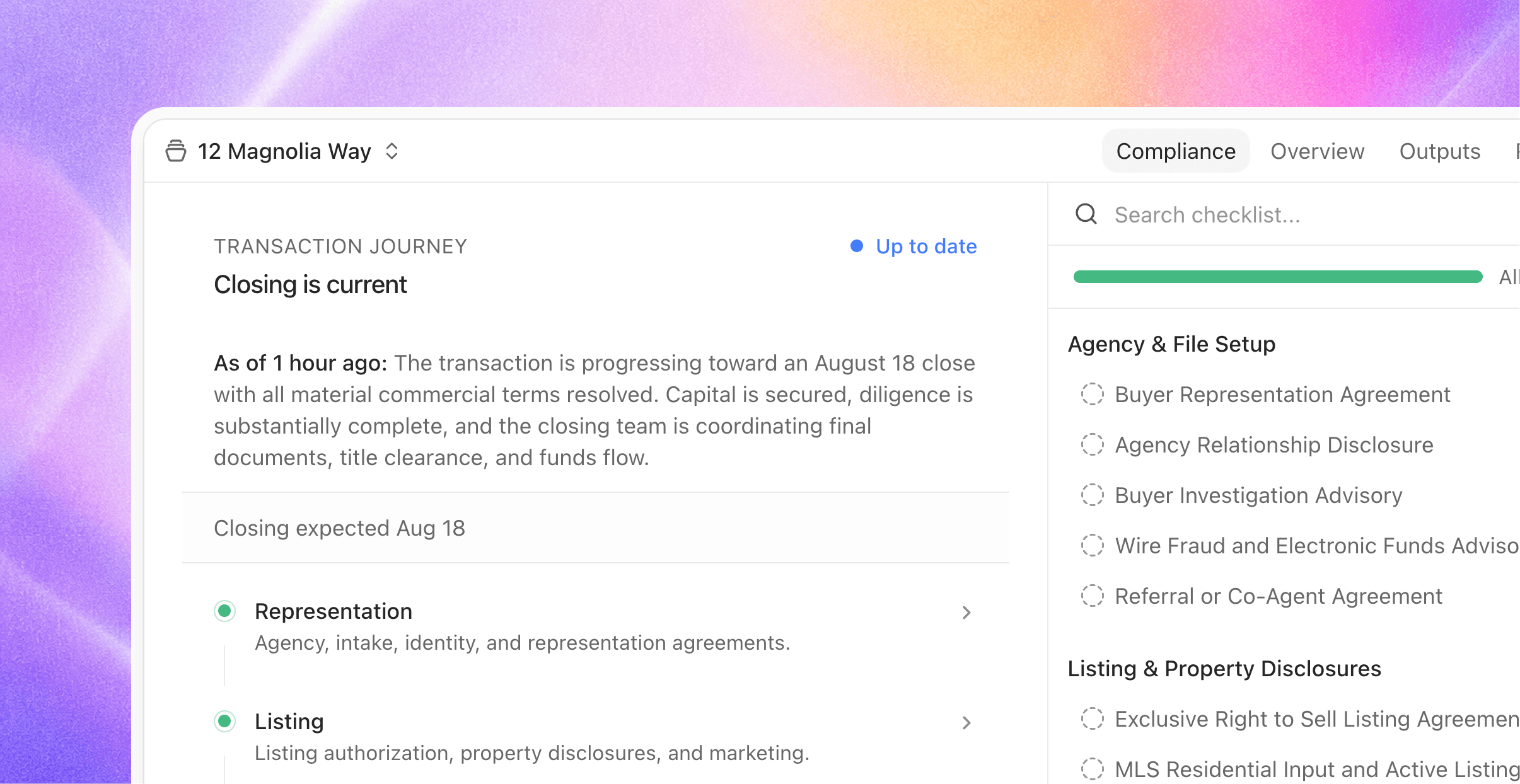
Joymore launched with a simple contract: forward us your paperwork and every document gets checked against your rules. Joymore 2.0 rebuilds everything around that check. Joymore now understands the deal itself: not only what kind of transaction it is, but where it stands in its journey, which requirements apply right now, and which dates come next. This is version two of transactions, top to bottom.
Every file, understood
Joymore now studies each transaction the way a seasoned compliance manager reads a file: the paperwork, your checklists, and the guidance behind them, all together. It writes down the situation in plain language, places the file in the correct stage, and determines which requirements actually apply.
That understanding stays fresh on its own:
New documents, recorded facts, or a passed deadline trigger a fresh read. Routine bookkeeping never does, so files aren't churning.
Edit a checklist, or the guidance behind it, and every open transaction quietly re-assesses against the new rules.
The overview shows when the file was last read and what's happened since, so you always know how current the picture is.
New files get their first read the moment they're created. There's never a blank page.
The journey, on every file
Every transaction now shows its journey: the stages behind it, the phase it's in, and what's ahead, with decision progress in each phase and the expected closing date drawn from the file's own dates.
Key dates that run the deal
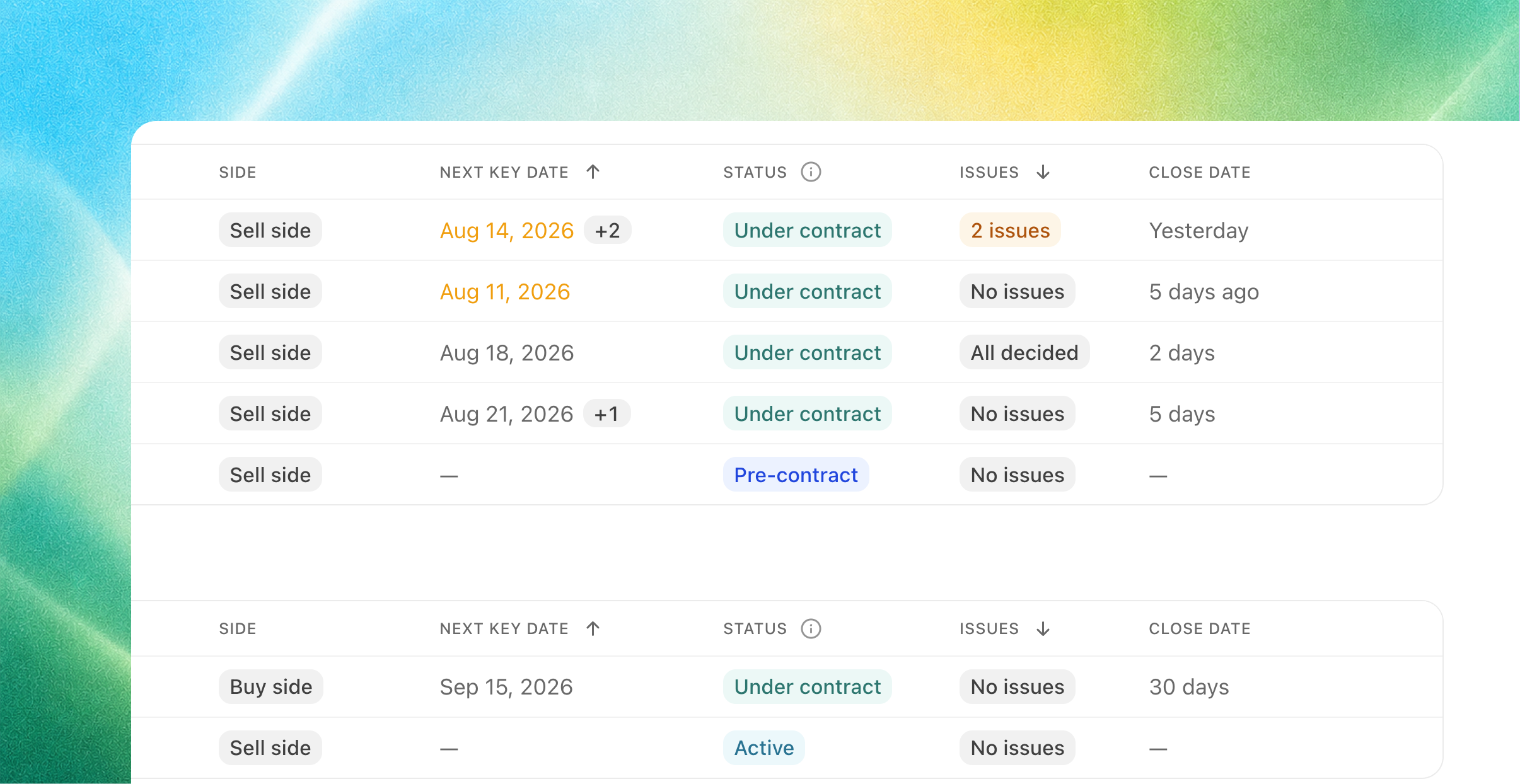
Joymore now tracks the dates a deal actually runs on: acceptance, inspection and objection deadlines, earnest money, possession, closing.
Dates are read from the documents themselves, with the evidence pinned to the exact page.
When an amendment moves a date, the new one supersedes it and the history stays.
You're notified while there's still time to act, and again if a deadline passes unmet.
Edit any date right on the cover sheet. Your corrections always win.
Dates aren't just displayed, they drive the work: reviews verify the file against them, and the transactions list can sort and group by what's due next.
A checklist that knows what's required, and when
Checklist items now switch on and off with the deal. A requirement that only matters after going under contract shows as Not required yet instead of nagging from day one, and turns on by itself when the file gets there.
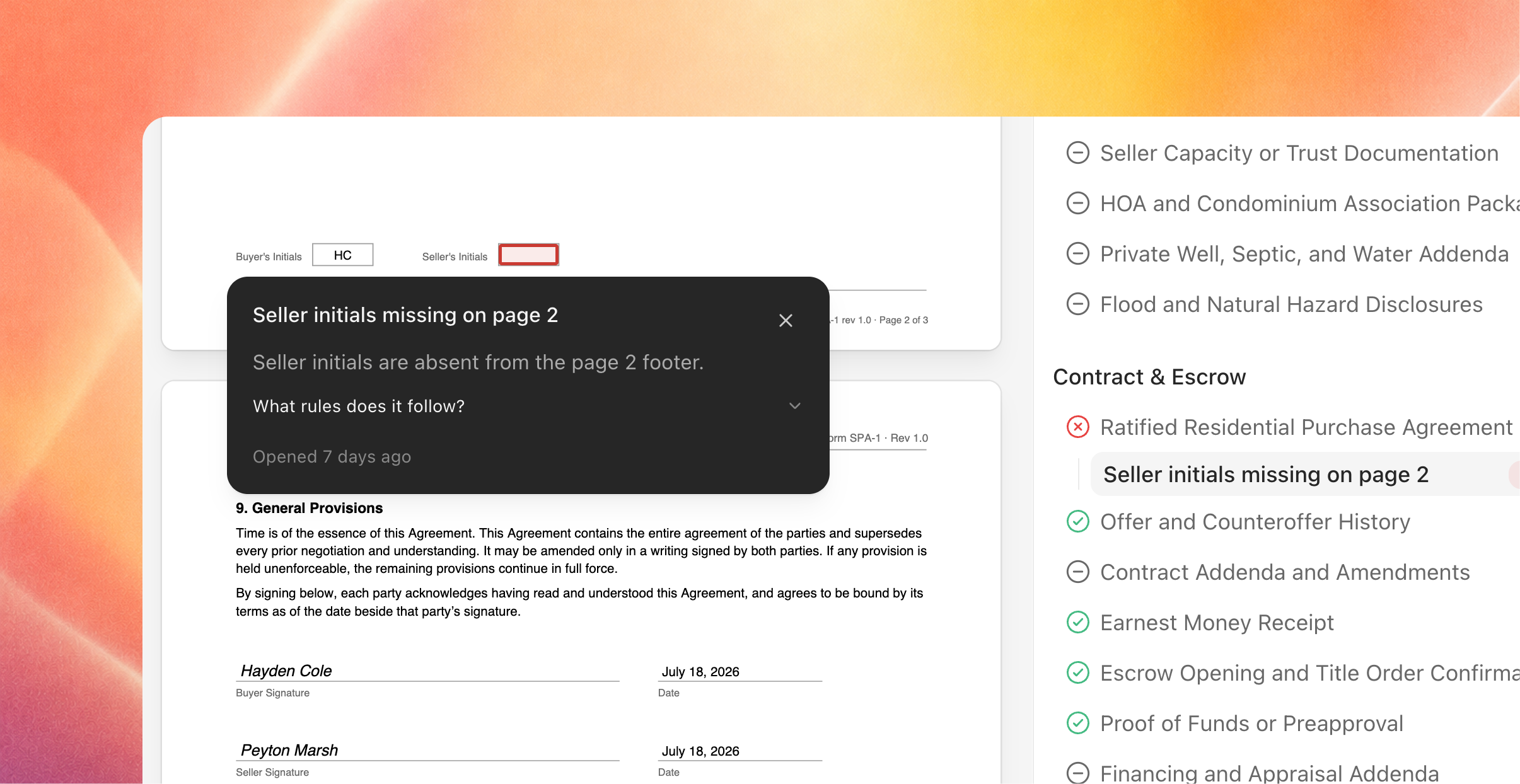
Documents, findings, and issues anchor to their checklist item, so evidence and history stay attached across reviews.
The compliance rail leads with what needs you: Needs your decision, Waiting on others, Waiting on info, with the full checklist always beneath.
Reword a requirement and only that item gets re-checked. Nothing else churns, and nothing loses its history.
Reviews end in decisions
When a review surfaces issues, Joymore walks you through them right in chat: one issue at a time, with the evidence alongside. Confirm, dismiss, or mark a false positive; add a note for the record; change your mind any time, even after the fact. When you're done, Joymore reads the tally back and proposes follow-ups only for what you actually confirmed.
Views built for operations
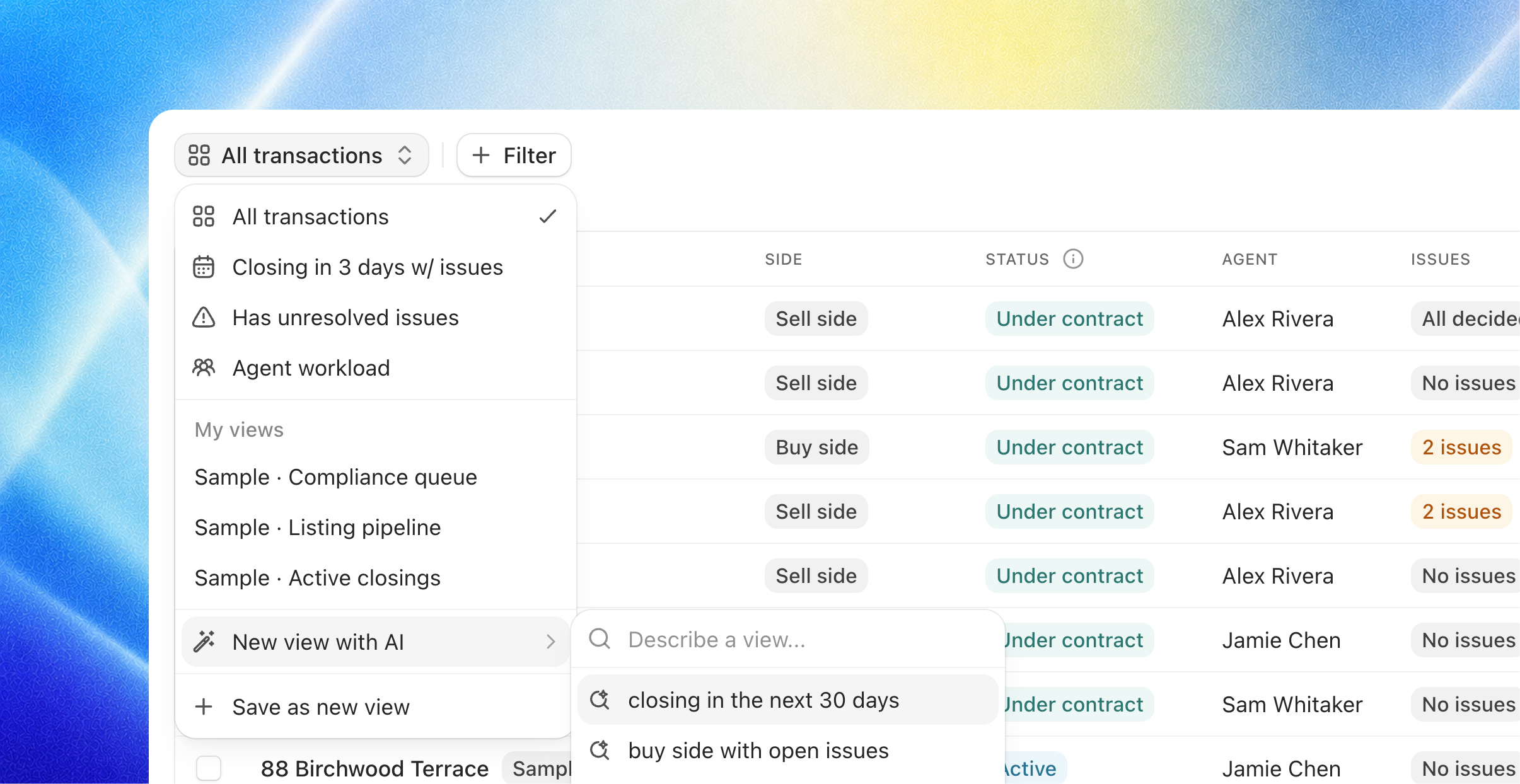
The transactions list is now yours to shape:
Filter, sort, and group the list, then save it as a view. Keep it yours or share it with the team.
Or just describe it: "active files closing in the next two weeks with unresolved issues" becomes a view, built by Joymore.
A new Issues column shows decision progress on every file.
Also in 2.0
Knowledge, simplified. No more choosing between checklist and playbook types. Every knowledge document is just a document; mount it to transactions and its items become the checklist.
Automations wake on app events. A trigger from any connected app (a label in Gmail, a completed signature, a new row in a sheet) can now start an automation.
Brokerage identity. Record your brokerage's legal name and license number, and each member's license. Joymore treats a license number printed on the paper as the strongest proof of which side you represent.
Audit tab. The complete event record on every transaction, with a toggle for system-level events.
Transaction switcher. Jump between files from the header, sorted by what needs attention.
Fixes & improvements
Reviews wait for arriving documents to finish processing, then run once.
A review never re-triggers on activity it already covered.
Switching documents shows the page instantly, and large lists got much faster.
Scanned pages render right-side up.
Document names with special characters download correctly.
Automation schedules read in plain words, never cron syntax.
Cmd-click anywhere in the navigation opens a new tab.
Saved column layouts always reveal newly shipped columns.
If Joymore asked you a question and the answer got lost in transit, it's redelivered automatically.